GlacierSkySapphire
Avatars handles profile images of wiki users. If a user does not upload a profile image, an automatically generated avatar is used instead.
Change the avatar image
The profile image appears throughout the wiki on pages where a link to the user page exists. Clicking on the image leads to the user's profile page. The profile image is also used for the user menu in the top menu.
- In the User menu, select Profile.
- On the Profile page, select Change image.
- Create new avatar. This creates a random avatar image.
Configuration
An administrator can configure which generator is used for creating avatar images.
In the Wiki actions menu, select Configuration. Go to extension BlueSpiceAvatars.
An avatar image is automatically generated if the user does not upload a profile picture or if the user decides to create an avatar image in the preferences.
- Generator
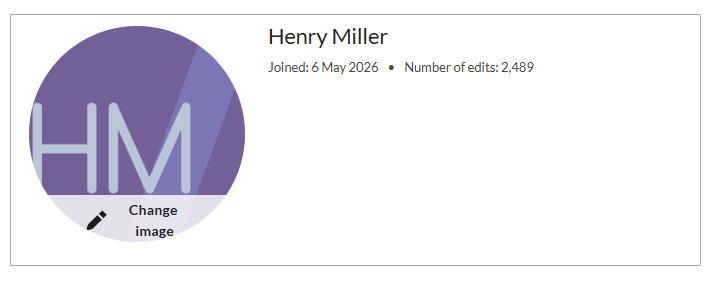
- InstantAvatar: Generates an avatar image based on using the initials of the Real name or the Username
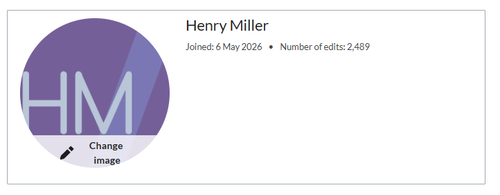
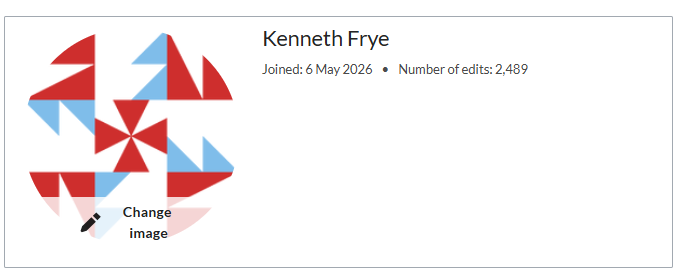
InstantAvatar - Identicon: Generates an avatar image based on parts of the user's IP address.
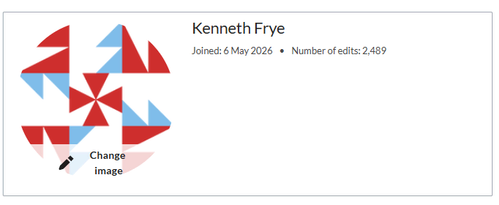
Identicon
- InstantAvatar: Generates an avatar image based on using the initials of the Real name or the Username


An avatar imageis automatically generated if the user does not upload a profile picture or if the user decides to create an avatar image in the preferences.
- Generator
- InstantAvatar: Generates an avatar image based on using the initials of the Real name or the Username
<figure class="mw-halign-center">[/wiki/Special:FilePath/Manual:configmanager-instantavatar.png <picture><source srcset="/w/img_auth.php/thumb/8/8e/Manual-configmanager-instantavatar.png/500px-Manual-configmanager-instantavatar.png.webp, /w/img_auth.php/8/8e/Manual-configmanager-instantavatar.png 2x" />link=|alt=Profile infobox with round avatar image with the letters HM|class=mw-file-element|500x500px</picture>][/w/img_auth.php/8/8e/Manual-configmanager-instantavatar.png ]<figcaption>InstantAvatar</figcaption></figure> - Identicon: Generates an avatar image based on parts of the user's IP address.
<figure class="mw-halign-center">[/wiki/File:Manual-configmanager-identicon.png <picture><source srcset="/w/img_auth.php/thumb/e/e1/Manual-configmanager-identicon.png/500px-Manual-configmanager-identicon.png.webp, /w/img_auth.php/e/e1/Manual-configmanager-identicon.png 2x" />link=|alt=Identicon made of a blue and white windmill pattern|class=mw-file-element|500x500px</picture>][/w/img_auth.php/e/e1/Manual-configmanager-identicon.png ]<figcaption>Identicon</figcaption></figure>
- InstantAvatar: Generates an avatar image based on using the initials of the Real name or the Username