GlacierSkySapphire
The Menu editor allows you to edit the Main navigation menu types MediaWiki sidebar and Enhanced MediaWiki sidebar. It is also used in the Book editor.
MediaWiki sidebar
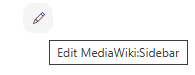
If your navigation is set to MediaWiki sidebar, hover over its last navigation link. An edit icon appears.

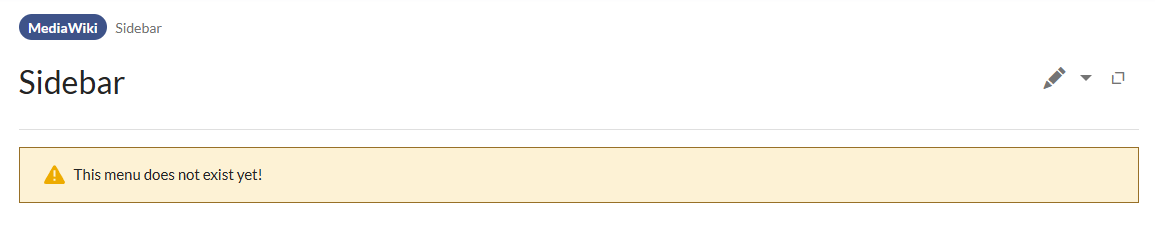
If the sidebar page MediaWiki:Sidebar does not exist yet, simply create it.

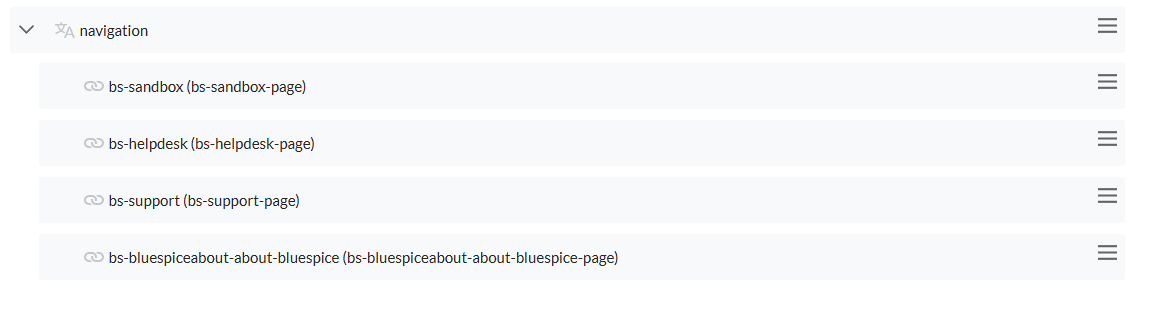
It usually shows a set of "Getting started" links. The menu element is called navigation. You can delete it together with its default links or leave it available for your users.

Add a menu section
- Click Add element.

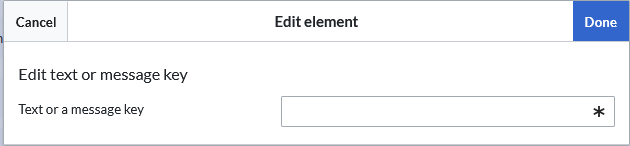
Add menu heading - Enter the text for the menu header.
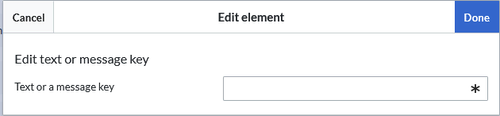
Text for menu heading - Click on the hamburger menu of the heading.

Add link as sub element - Select Add sub element.
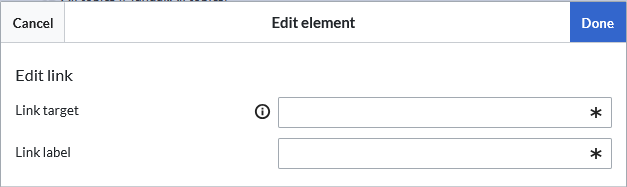
- Enter the Link target (page name) and the Link label.
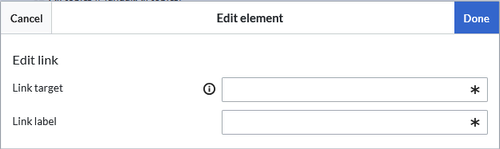
Create link - After adding all links, save the page.


Refresh your page or navigate to the Main Page to see the updated sidebar.