No edit summary |
No edit summary |
||
| Line 12: | Line 12: | ||
== Re-use data ranges == | == Re-use data ranges == | ||
{{Extension/ | {{Extension/SpreadsheetFileReader}} | ||
List of all spreadsheets | List of all spreadsheets | ||
Administrators can show or hide a list of all spreadsheets under the entrypoint links in the main navigation. You can also link directly to the page Special:Spreadsheets. | Administrators can show or hide a list of all spreadsheets under the entrypoint links in the main navigation. You can also link directly to the page Special:Spreadsheets. | ||
Revision as of 14:08, 29 October 2026
Sapphire
About spreadsheets
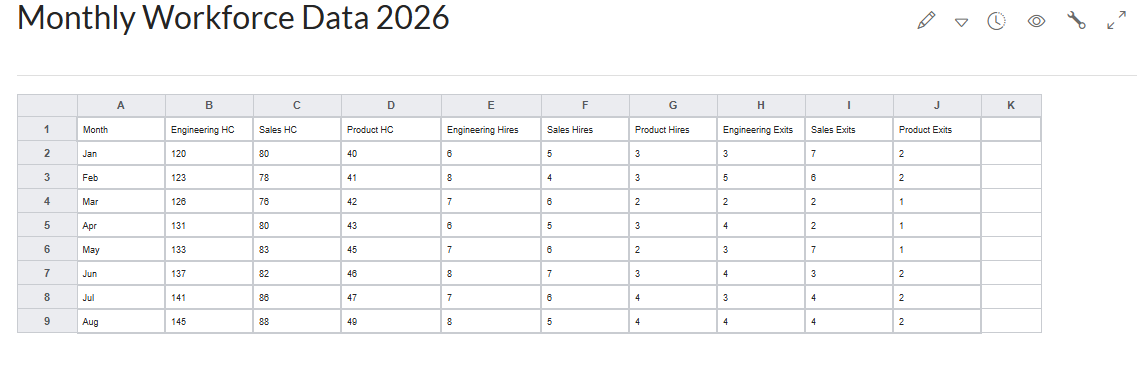
You can create spreadsheets directly in the wiki, enter and calculate data in a familiar table layout, and display selected data on other pages.

Create a spreadsheet
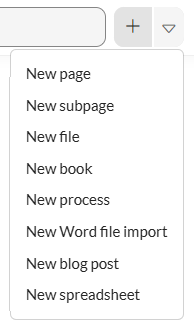
- Select New spreadsheet from the New menu.
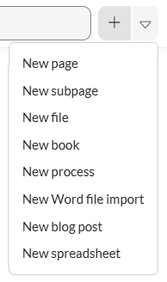
Create spreadsheet - Enter a name for your spreadsheet.
- Click Create. The spreadsheet opens in edit mode.
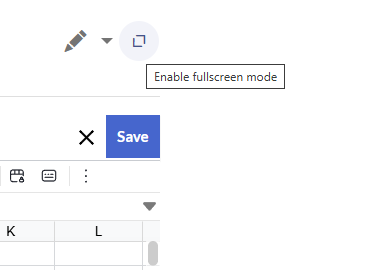
- Add your data. If you need more room, for example for many columns, switch to fullscreen view.
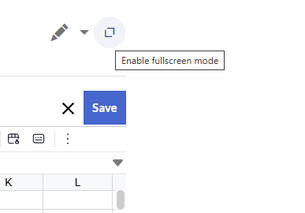
Enable fullscreen mode - Save your spreadsheet.. All spreadsheets are listed on the page Special:Spreadsheets.


Re-use data ranges
Template:Extension/SpreadsheetFileReader
List of all spreadsheets
Administrators can show or hide a list of all spreadsheets under the entrypoint links in the main navigation. You can also link directly to the page Special:Spreadsheets.