You can include a range of continuous data from a wiki spreadsheet on another page.
{{Extension/SpreadsheetFileViewer}}
# Open the '''Content droplets''' menu in visual editing mode.
# Search for '''Spreadsheet data'''.
# Insert the content droplet on the page.
# Fill in the information for the data range:
## ''Spreadsheet page:'' Name of the existing spreadsheet page.
## ''Range to select:'' A continuous range of cells, separated by a colon (for example: <code>A1:D5</code>)
## ''Format:'' ''Table'' creates a table of class "wikitable". ''Plainlist'' creates a list of values.
## ''Separator:'' The character that separates the values in a list (for example: a comma).
The droplet inserts a tag like the following on the page. You can also enter it manually in source editing mode:<syntaxhighlight lang="text">
<sheetdata page="Spreadsheet:Monthly Workforce Data 2026" separator="," format="table" range="A1:D5" />
</syntaxhighlight>'''Output:'''<sheetdata page="Spreadsheet:Monthly Workforce Data 2026" separator="," format="table" range="A1:D5" />
== List of all spreadsheets ==
Administrators can show or hide a list of all spreadsheets under the entrypoint links in the main navigation. You can also link directly to the page '''Special:Spreadsheets'''''.''
Revision as of 14:05, 29 October 2026
Sapphire
About spreadsheets
You can create spreadsheets directly in the wiki, enter and calculate data in a familiar table layout, and display selected data on other pages.
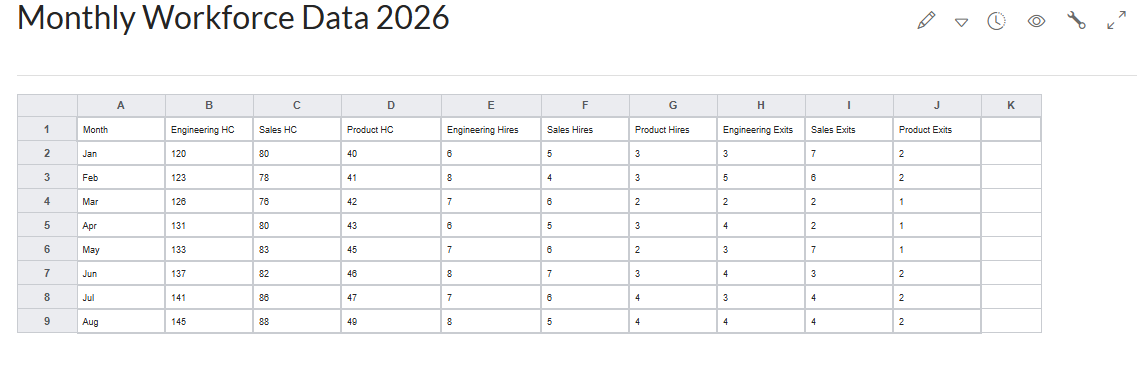
Example of a speadsheet page
Create a spreadsheet
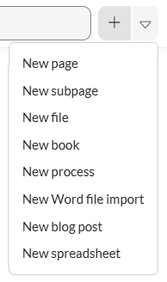
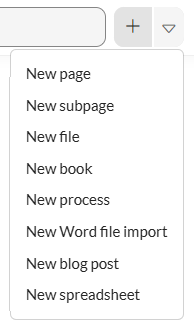
Select New spreadsheet from the New menu.Create spreadsheet
Enter a name for your spreadsheet.
Click Create. The spreadsheet opens in edit mode.
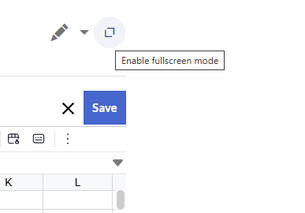
Add your data. If you need more room, for example for many columns, switch to fullscreen view.Enable fullscreen mode
Save your spreadsheet.. All spreadsheets are listed on the page Special:Spreadsheets.