No edit summary |
m (username removed) (log details removed) |
||
| (One intermediate revision by the same user not shown) | |||
| Line 10: | Line 10: | ||
== Using the AI assistant == | == Using the AI assistant == | ||
Highlight a text block in visual editing mode. This opens the formatting dialog with the ''AI Editing Assistant'' link. | Highlight a text block in visual editing mode. This opens the formatting dialog with the ''AI Editing Assistant'' link. | ||
[[File:AIedit link.png|alt=Highlighted text block about | [[File:AIedit link.png|alt=Highlighted text block about professional engineering with open inspector menu.|center|thumb|750x750px|Link to the AI Editing Assistant]]Select one of the available prompts. | ||
[[File:AIEdit prompt.png|alt=List of 6 available AI prompts. Selected is "Summarize content"|center|thumb|750x750px|Select prompt]] | [[File:AIEdit prompt.png|alt=List of 6 available AI prompts. Selected is "Summarize content"|center|thumb|750x750px|Select prompt]] | ||
Latest revision as of 08:13, 21 October 2026
The AI assistant supports you in editing individual existing text sections. For example, you can summarize text, make it longer, or fix grammar to name a few.
Configuration
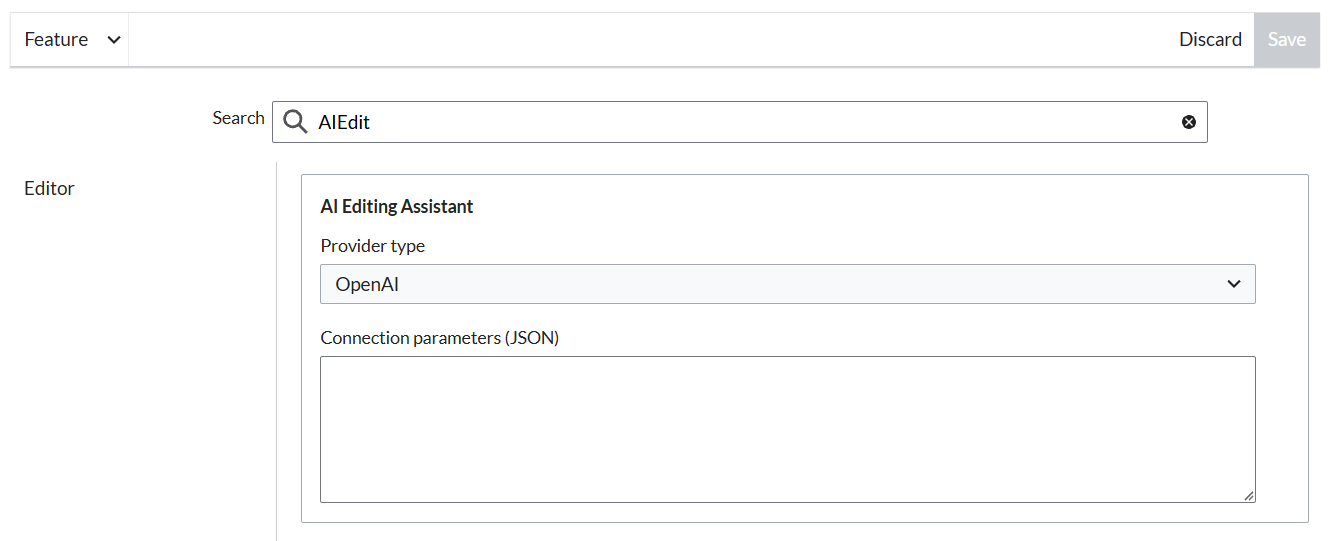
The feature requires an OpenAI API-key. The key is added to the configuration of the wiki. In the config manager, add the Connection params (API-key) for OpenAI (or the endpoint URL if you use Ollama, z.B. http://ollama:<portnumber>/). This activates the feature in the wiki.

Using the AI assistant
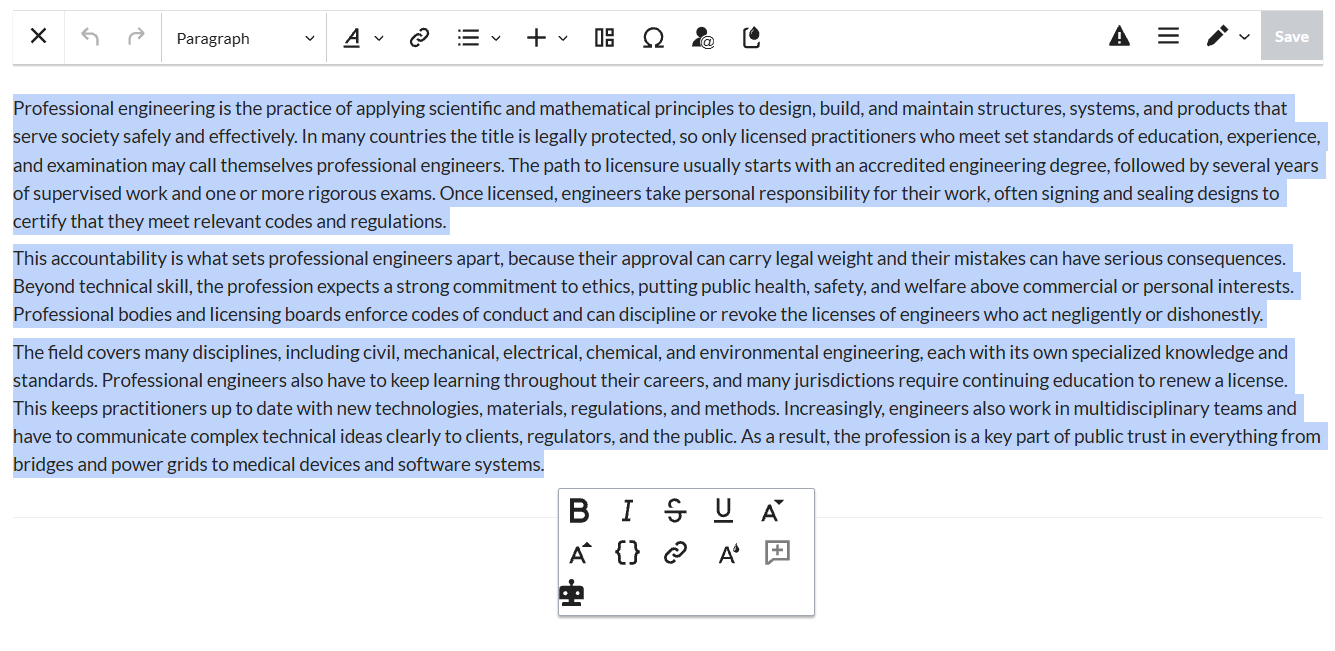
Highlight a text block in visual editing mode. This opens the formatting dialog with the AI Editing Assistant link.

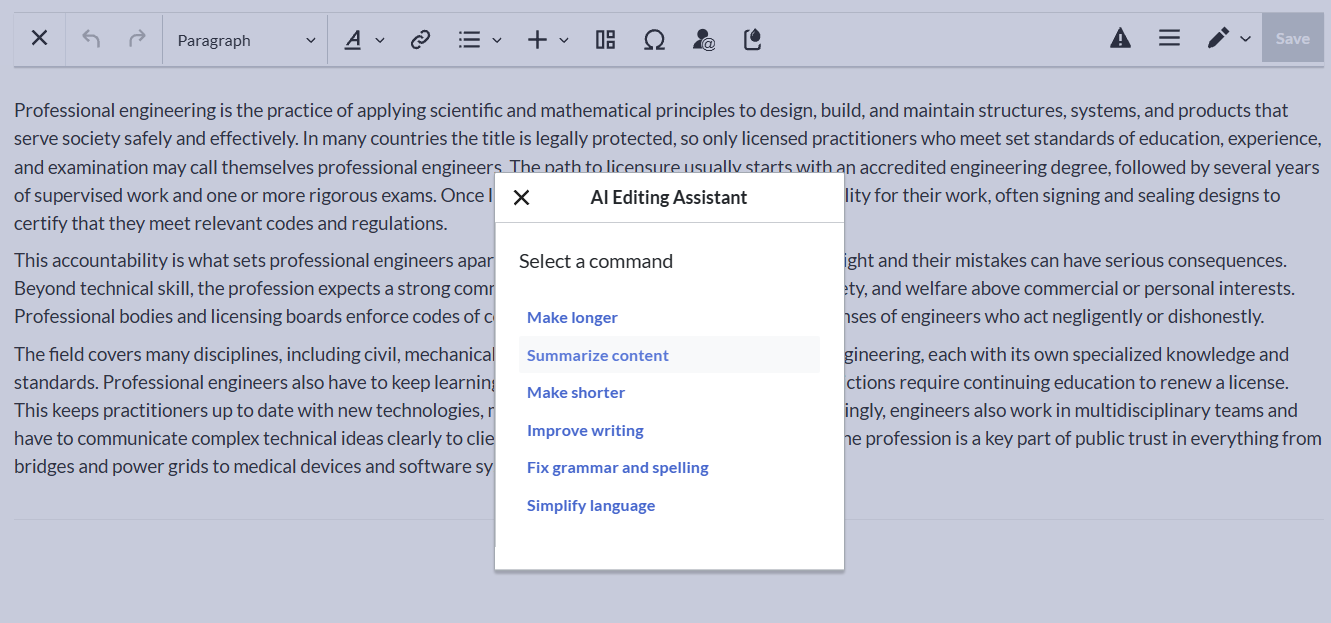
Select one of the available prompts.

The AI assistant suggests a replacement based on the selected prompt.
You can send a custom prompt to improve the suggested replacement.
The assistant makes a new suggestion.
You can undo the latest prompt if you don't like the new result.
To accept a suggestion, click the Replace button. If you do not want to keep the changed text, click the x button to close the assistant and to keep your original text.
Language support
The assistant uses ChatGPT and supports a wide variety of languages.